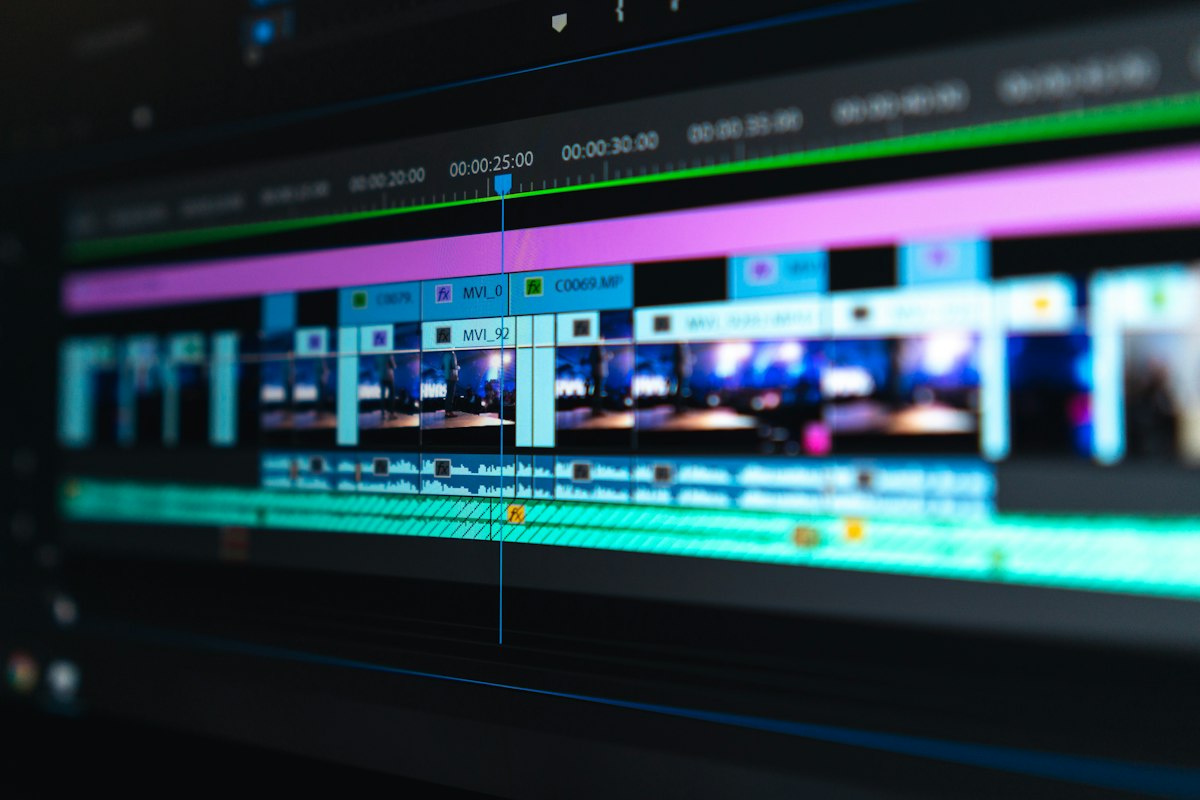
Epitrite vs DaVinci Resolve: Free Color Grading Powerhouse vs Free Lyric Tool
DaVinci Resolve is one of the best free tools in modern video. Hollywood-grade color grading, professional audio mixing, advanced editing, and motion graphics — all free in the standard version. Epitrite is also free, but for a different job. Here's when each one fits, and why most musicians end up using both.
The 30-Second Take
- DaVinci Resolve (free): Industry-grade video editor + color grading + audio. Steep learning curve but unmatched free toolset.
- Epitrite (free): Web-based lyric video tool. Fast, template-driven, lyric-specific.
For lyric videos: Epitrite produces output in 5-15 minutes. DaVinci takes 60+ minutes for equivalent output. For everything else: DaVinci wins.
Feature Comparison
| Feature | Epitrite Free | Epitrite Pro | DaVinci Resolve (free) | DaVinci Studio ($295) |
|---|---|---|---|---|
| Lyric timing engine | Yes (automatic) | Yes (automatic) | Manual | Manual |
| Beat sync (auto cuts) | First-project unlock only | Yes | Manual | Manual |
| AI transcription | 5/month | 10/month | Limited | Better with Studio |
| Templates (aesthetic) | 50+ | 50+ | Generic motion templates | Studio templates |
| Multi-aspect export | Yes (one click) | Yes (one click) | Manual reframe | Manual reframe |
| 4K export | No | Yes | Limited free | Yes |
| 8K export | No | No | No | Yes |
| Color grading | Basic | Basic | Hollywood-grade | Hollywood-grade |
| Audio mixing (Fairlight) | Basic | Basic | Professional | Professional |
| Motion graphics (Fusion) | No | No | Yes | Yes (better) |
| Cost | Free | $1 first month for eligible first-time subscribers, then $19.99/mo | Free | $295 one-time |
| Cross-platform | Yes (web) | Yes (web) | Mac/Windows/Linux | Mac/Windows/Linux |
| Hardware requirements | Web browser | Web browser | 16GB+ RAM, GPU | Higher specs |
| Learning curve | Hours | Hours | Weeks-months | Weeks-months |
The Cost Math
DaVinci Resolve free is the most generous free pro tool in video. Most features that are paywalled in Premiere are free in DaVinci.
- DaVinci Resolve Free: $0. Includes editing, color grading, audio (Fairlight), motion graphics (Fusion). Some advanced features (HDR, certain AI tools) are Studio-only.
- DaVinci Resolve Studio: $295 one-time. Adds advanced features, no recurring cost.
- Epitrite Free: $0 forever. Lyric-video specific, with first-project Pro tools and 3 cloud renders/month at 1080p. The first completed project uses one of the 3 renders.
- Epitrite Pro: $1 for the first month for eligible first-time subscribers, then $19.99/mo. Includes 20 cloud renders/month at up to 4K, optional packs of 10 more for $5, unlimited bulk, and advanced features.
For total professional video work: DaVinci Free is the best deal in software, full stop. For lyric videos specifically: Epitrite Free wins on time-to-output.
The Workflow Difference
DaVinci Resolve Lyric Video Workflow
- Open DaVinci, set timeline (resolution, frame rate)
- Import audio
- Use Fairlight tab to analyze audio waveform
- Mark beat positions manually
- Import background footage
- Cut clips to fit beat markers
- Create text overlay in Cut or Edit page (each lyric line)
- Set keyframes for text in/out timing
- Apply animation in Fusion if desired (advanced)
- Color grade backgrounds in Color page
- Mix audio in Fairlight
- Export in Deliver page (separate per aspect ratio)
Total time: 90-180 minutes for a typical 3-minute lyric video.
DaVinci's strength (depth of control) becomes a weakness for lyric video specifically — there's no shortcut for the lyric timing work.
Epitrite Lyric Video Workflow
- Upload audio
- Paste lyrics
- Pick template
- Pick background
- Export
Total time: 5-15 minutes.
When DaVinci Wins
DaVinci Resolve is the right tool when:
- Color grading is critical — DaVinci is the industry standard, used in Hollywood
- Complex video editing — narrative music videos, performance edits, multi-camera work
- Professional audio — Fairlight is broadcast-grade audio production
- Motion graphics needed — Fusion is a competent After Effects alternative
- Free pro toolset — you don't want to subscribe and don't have Mac for Final Cut
- Cross-platform — works on Mac, Windows, Linux
- HDR / 8K work — Studio version handles high-end specs
For most non-lyric-video work in 2026, DaVinci is the best free option.
When Epitrite Wins
Epitrite is the right tool when:
- Lyric videos specifically — purpose-built for the format
- Speed matters — 5-15 min vs 60-180 min
- Web-based — works anywhere, no install
- Hardware constraint — low-spec machines run Epitrite
- Template-driven — Brat, Y2K Chrome, Trap Drip in one click
- Multi-aspect output — auto-render all aspects simultaneously
- Bulk variants — generate 5-10 versions automatically
The Hybrid Workflow
DaVinci + Epitrite together is one of the strongest free-tier video workflows for musicians:
Stage 1: Color grade in DaVinci
- Import raw footage clips
- Apply matching color grade across clips (warm cinematic, dark indie, etc.)
- Export graded clips to a consistent folder
- Time investment: 15-30 min for 4-6 clips
Stage 2: Build lyric video in Epitrite
- Upload audio
- Upload graded clips as backgrounds
- Pick template
- Beat sync runs automatically
- Lyric layer auto-times
- Export at all aspect ratios
- Time investment: 5-15 min
Combined: 20-45 minutes for professional-graded lyric video.
This beats either tool alone:
- DaVinci alone: 90-180 min
- Epitrite alone: 5-15 min but with template-level color
The hybrid gets pro color in less time than DaVinci alone.
What DaVinci Free Doesn't Include (Studio-Only)
Free DaVinci includes most professional features. The Studio version ($295 one-time) adds:
- HDR grading (HDR10, Dolby Vision)
- Multi-user collaboration
- Certain AI tools (Magic Mask, Smart Reframe at high resolution)
- 4K and 8K output (free is limited to certain resolutions in some contexts)
- Additional Fusion effects
- Higher-end encoding options
For most musicians: Free DaVinci is enough. Studio is worth it if you do high-end video work professionally.
Color Grading: DaVinci's Specialty
DaVinci was originally a color grading tool before adding editing. Its Color page is genuinely industry-leading:
- Power Windows: shape-based secondary corrections
- Curves: bezier color curves with infinite precision
- Color Wheels: HSL controls
- Nodes: non-destructive grading chain
- LUTs: industry-standard look-up tables
- HDR support: Dolby Vision, HDR10
For musicians whose brand identity is color-coded (specific palette across releases), DaVinci's color tools are unmatched at any price, let alone free.
Fairlight: DaVinci's Audio Edge
DaVinci's Fairlight audio page rivals Logic Pro and Pro Tools for video work:
- Full multitrack mixing
- Effects rack (EQ, compression, reverb)
- Audio sweetening for video
- Surround mixing (5.1, 7.1, Atmos in Studio)
If you mix your own audio, DaVinci's Fairlight + the Color page makes it a one-stop shop.
Fusion: DaVinci's Motion Graphics
DaVinci's Fusion page is a node-based motion graphics tool, competitive with After Effects in many ways. For lyric video specifically: rarely needed (Epitrite's templates handle the motion). But for music videos with custom titles, motion design, or VFX: Fusion is powerful.
Common Questions
Is DaVinci Resolve truly free?
Yes — fully free, not a trial. Some features are Studio-only ($295 one-time), but free is genuinely free.
Can I use DaVinci on a low-spec machine?
Not really — DaVinci wants 16GB+ RAM and a discrete GPU. On lower specs, it runs slowly. Epitrite runs anywhere.
Should I learn DaVinci?
If you do video work beyond lyric videos, yes — it's the best free pro tool. The learning curve is weeks to months but worth it. For lyric video only, learn Epitrite (hours) instead.
Can DaVinci replace Epitrite?
For lyric video output, technically yes (eventually). For lyric video workflow, no — DaVinci doesn't have a lyric engine or template library. The job is 10-15x slower.
Where can I learn DaVinci?
Free official Blackmagic Design tutorials (their YouTube channel + downloadable training). Casey Faris and other independent creators on YouTube. The DaVinci Resolve subreddit is active.
Takeaway
DaVinci Resolve is the best free pro video editor in 2026. For all video work that isn't lyric-video-specific, it's the answer. Epitrite is the lyric-video-specific answer.
Together: pre-grade footage in DaVinci, build lyric videos in Epitrite, get pro output at zero cost. The combined workflow beats either tool alone.
Try Epitrite free — every template free, 1080p exports, multi-aspect export. Pair with DaVinci Resolve for the color grade.
Stop guessing what to post
Build a practical plan with hooks, captions, on-screen text, recording directions, and editable video projects.
Plan My Content