Lyric Video for Festival Promo: Touring Artist Workflow
When you're booked for a festival (Coachella, Tomorrowland, ASOT, Wireless, any major or small festival), you need promotional content that announces it, drives ticket sales, and builds audience excitement. Festival promo content combines lyric video with festival-specific visuals.
What Festival Promo Content Looks Like
- Festival logo / branding — festival's identity in your post
- Your music — the song you'll play
- Festival date + location — the specific event
- Lineup positioning — sometimes other artists on the bill
- Call to action — ticket purchase link
The Template Stack for Festival Promo
| Festival type | Best Template | Background |
|---|---|---|
| EDM / electronic festival | Y2K Chrome (bright) | Festival imagery |
| Music festival (genre-mix) | Magazine Cover (energetic) | Festival main stage |
| Hip-hop festival | Trap Drip | Festival crowd |
| Indie / alternative festival | Brat (warm) | Modern festival |
| Country / Americana festival | Country Postcard | Country festival rural |
| Niche genre festival | Genre-specific template | Genre-appropriate |
Workflow
Step 1: Get Festival Branding
Festivals provide promo kit:
- Logo (various formats)
- Color palette
- Date / location text specifications
- Marketing image (often)
Get this before creating your promo.
Step 2: Make Promo Lyric Video
In Epitrite:
- Upload your song
- Paste lyrics (or skip if instrumental)
- Pick template matching festival vibe
- Background: festival imagery (when you have rights to use)
- Add festival logo as overlay (using Pro features or Photoshop layer)
- Add festival date + location text
- Export at 9:16 for TikTok / Reels / Shorts
Step 3: Tagline Strategy
- "See me at [Festival] - [Date]"
- "Playing [Festival] - get tickets [link]"
- "Live at [Festival] [Date]"
Step 4: Multi-Variant Promo
Use Bulk Create:
- Variant 1: Festival logo prominent
- Variant 2: Song-focused with festival mention
- Variant 3: Tour announcement style
- Variant 4: Personal "see you there" style
Post different variants across week leading up to festival.
Festival-Specific Aesthetics
EDM / Electronic Festivals
- Bright neon + chrome
- Festival main stage imagery
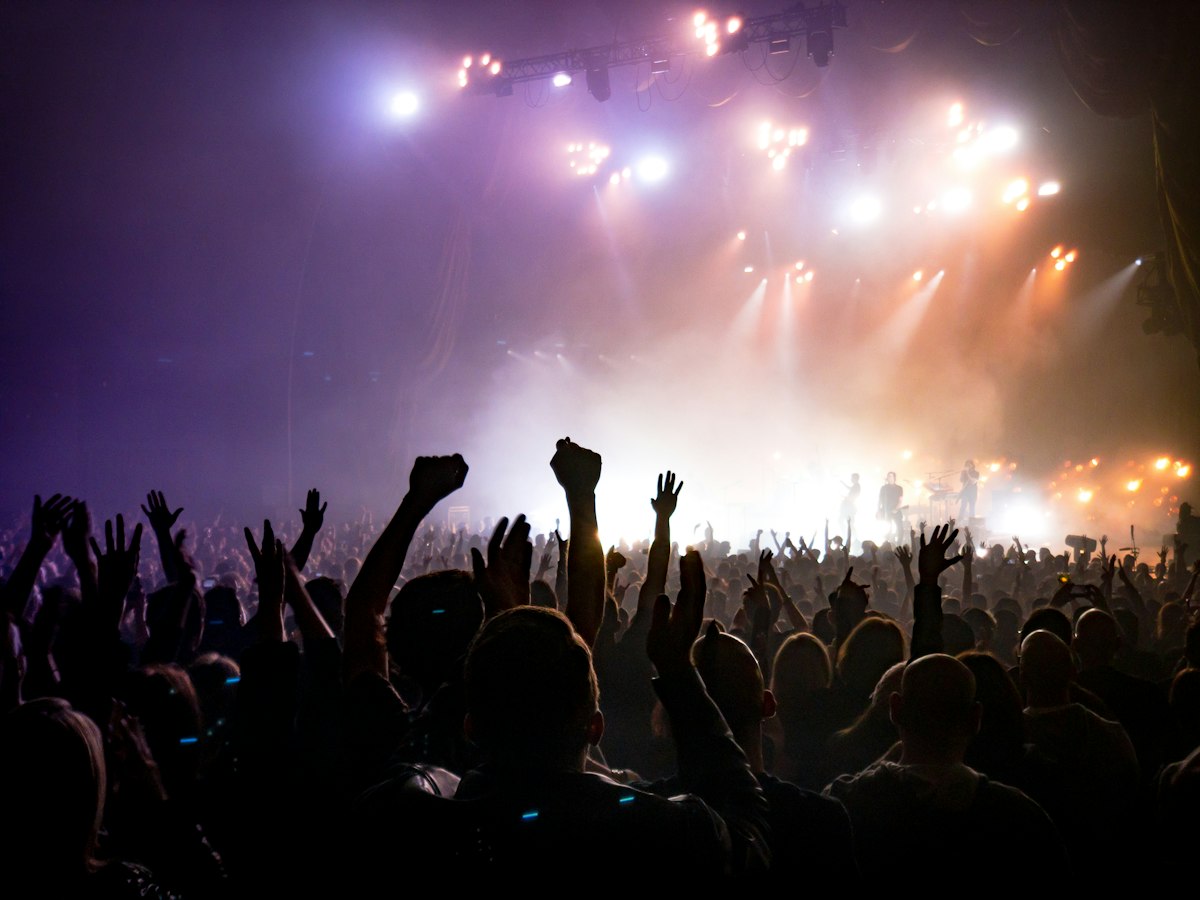
- Lasers, smoke, crowds
- Y2K Chrome template
Music Festivals (multi-genre)
- More flexible aesthetic
- Festival branding dominant
- Magazine Cover or Triple Strip
- Match festival's color palette
Hip-Hop / Rap Festivals
- Dark + chrome + accent
- Festival crowd footage
- Trap Drip template
Indie / Alternative Festivals
- Warmer, less polished
- Modern but accessible
- Brat or Album Art Story
Tour vs Single-Festival Promo
For one festival: single song + festival branding For tour: multiple dates + multiple festivals announced together
For tours, Bulk Create variants per date:
- Variant per city
- City-specific imagery
- Date + venue per variant
- Cross-promotion across cities
Ticket Sales Link
Promo posts should include ticket purchase:
- Direct festival link
- Your artist page on festival site
- Bio link aggregator (Linktree, Beacons)
Common Questions
Can I use festival logos in my promo?
Usually yes — festivals want artists to promote. Confirm in your booking agreement.
Should the song promo focus on the festival or my music?
Hybrid — your music + festival branding. Audience sees both.
Will festival booking agencies use my Epitrite content?
Some do. Provide them with the file; they'll promote on their channels too.
What if I'm playing a small festival?
Same workflow, less complex branding. Festival logo + your song.
Takeaway
Festival promo combines your lyric video with festival branding. Use templates matching festival vibe, add logo + date overlay, generate variants per platform. Post leading up to festival date.
Try Epitrite free — every template free, 1080p exports, multi-aspect export.
Stop guessing what to post
Build a practical plan with hooks, captions, on-screen text, recording directions, and editable video projects.
Plan My Content