Making Lyric Videos for Rap and Hip-Hop: What's Different
Rap lyric videos have a readability problem that doesn't exist in other genres. A singer-songwriter delivering 3 words per second gives your audience time to read, absorb, and feel. A rapper spitting 6-8 words per second gives your audience time to blink and miss half the bar.
The techniques that work for pop or country lyric videos fall apart with rap. You need different font strategies, different animation approaches, different timing methods, and a different mindset about what the viewer is actually there for.
The Speed Problem
The average pop song delivers 80-120 words per minute. The average rap verse delivers 150-250+ words per minute. Some faster rappers push past 300. That density changes everything about how you display text.
If you're showing one line at a time with a slow fade-in, the next line arrives before the fade finishes. If you're using typewriter animation on a fast verse, the letters can't keep up with the delivery.
Solutions:
Show Less Text at a Time
Instead of displaying a full 4-line stanza, show 1-2 lines max. Shorter text blocks are faster to read. The viewer needs to process each chunk before the next one arrives.
Use Word-Based Animations
This is where Epitrite's stomp words and scatter words animations earn their keep. Instead of animating an entire line, each word appears on its own beat. The viewer reads each word as it drops, matching the rapper's delivery cadence naturally.
The wordDelayMs slider is critical for rap. Dial it down for fast flows so words appear in rapid succession. Bump it up for slower, deliberate deliveries where each word gets its own moment.
Increase Font Size
Bigger text reads faster. On a phone screen, text needs to be large enough that your brain processes it instantly without having to "read" in the traditional sense. For rap lyric videos, bump the font size 10-20% larger than you'd use for other genres.
Font Selection for Rap
Rap lyric videos live in a specific visual language. The font needs to feel aggressive, confident, or stylish -- never soft, never delicate.
Fonts That Work
| Font | Vibe | Best For |
|---|---|---|
| Bebas Neue | Bold, uppercase, impactful | Hard rap, trap, hype tracks |
| Anton | Heavy, compressed, in-your-face | Aggressive delivery |
| Montserrat Bold | Clean, modern, versatile | Melodic rap, Drake-style |
| Syne 800 | Geometric, sharp, contemporary | Experimental, alternative hip-hop |
| Oswald Bold | Condensed, authoritative | Story-driven rap |
Fonts to Avoid
- Script/cursive fonts -- Unreadable at rap speed. Save these for R&B.
- Thin/light weights -- Disappear on phone screens. Rap needs visual weight.
- Serif fonts -- Can work for specific aesthetics but generally feel too literary for hip-hop.
- Novelty fonts -- Comic Sans on a drill beat. Just... don't.
Uppercase vs Lowercase
Most rap lyric videos use uppercase. It feels louder, more assertive, and matches the delivery energy. Lowercase works for introspective or melodic rap (think Juice WRLD, Post Malone territory) where the vibe is more vulnerable.
Color and Background
The Dark Background Default
Black or near-black backgrounds dominate rap lyric videos for good reason. Dark backgrounds with bright text create maximum contrast and maximum impact. White text on black is the most readable combination possible.
For variety without leaving the dark palette:
- Deep navy (#0a0a20) for atmospheric tracks
- Dark burgundy (#1a0a0a) for aggressive or romantic content
- Charcoal with blue tint (#12141a) for modern trap
Accent Colors
Red, gold, and electric blue are the most common accent colors in rap lyric videos. They signal energy and confidence.
- Red (#ff2d2d): Aggression, passion, urgency
- Gold (#ffd700): Success, luxury, celebration
- Electric blue (#0088ff): Cool confidence, late-night vibes
- Neon green (#00ff88): Money, energy, flex
Use accent colors sparingly -- for highlighted words, section transitions, or key punchlines. Not for the entire lyric text.
Video Backgrounds
Beat-synced video backgrounds work exceptionally well for rap because the genre is so beat-driven. Upload 5-10 short clips and let Epitrite cut between them on each beat.
Effective clip sources for rap:
- Urban environments (city streets, buildings, traffic)
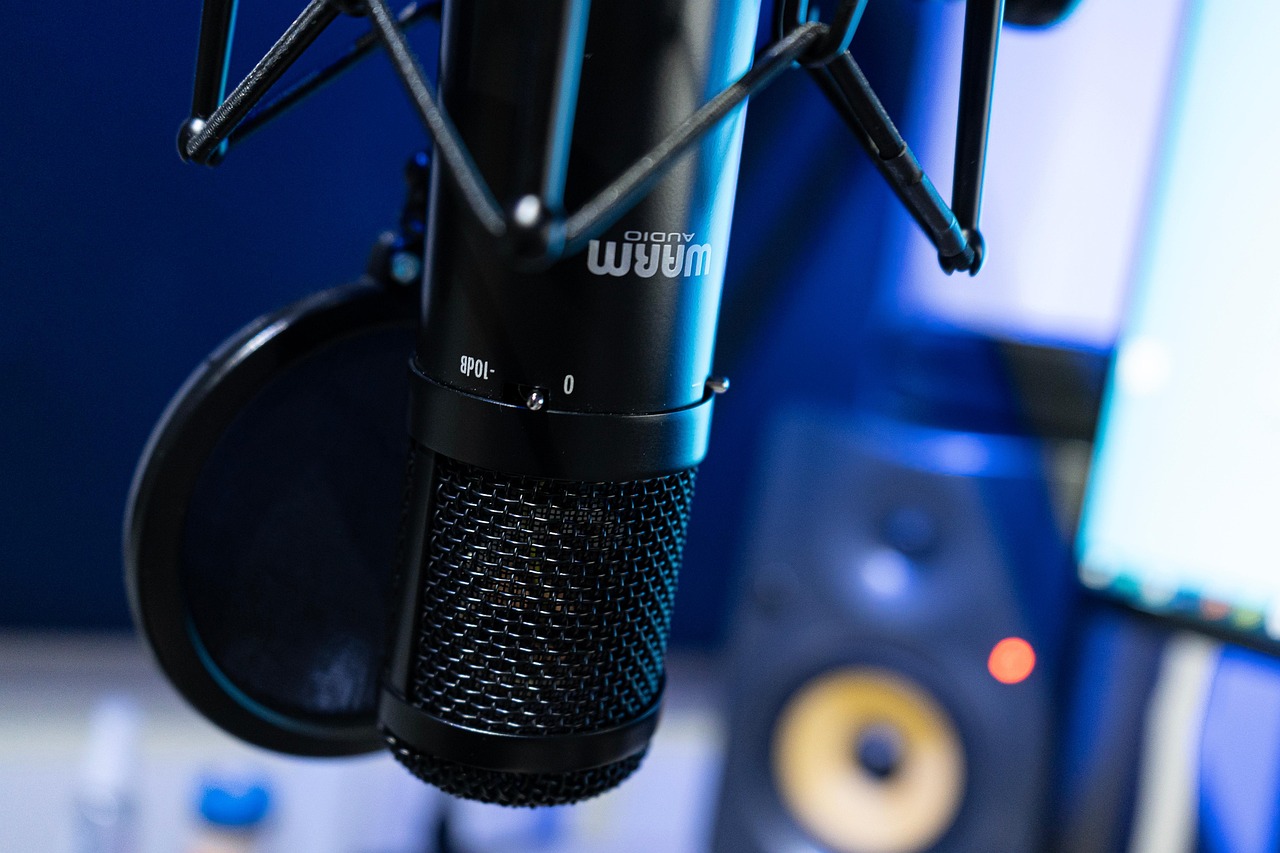
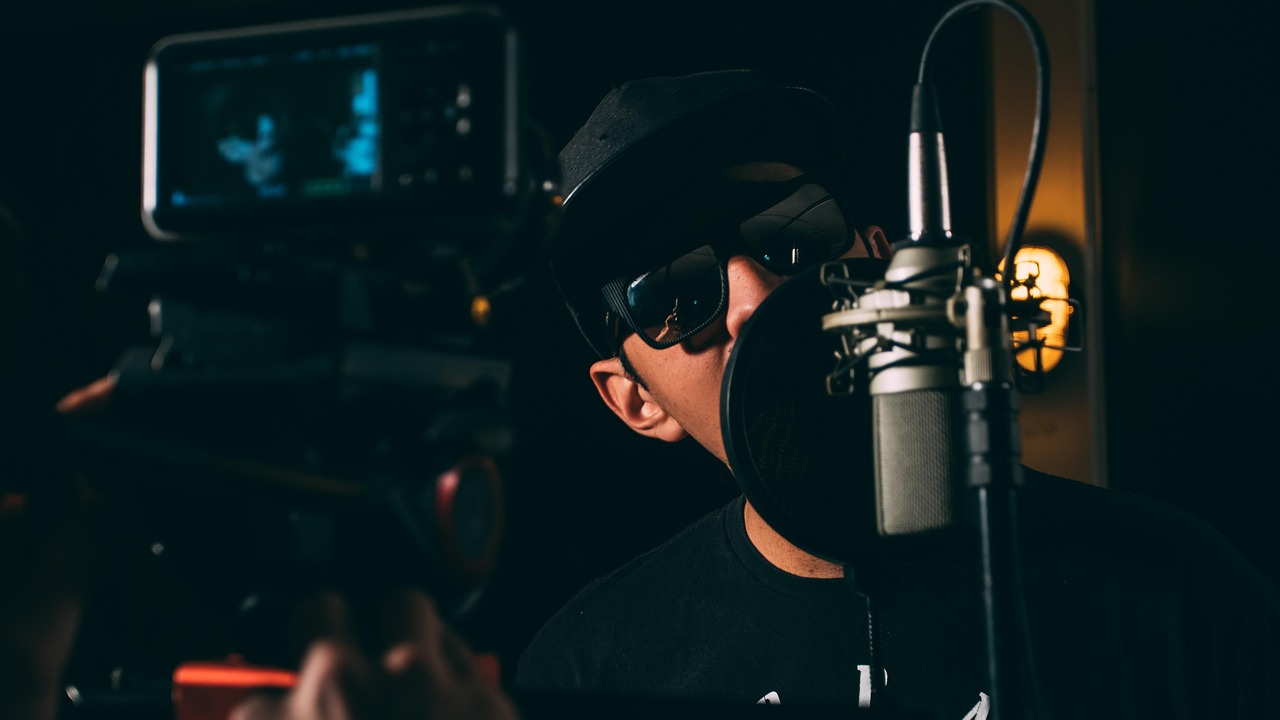
- Studio footage (mixing boards, mic setups, headphones)
- Abstract motion (smoke, particles, geometric shapes)
- Performance footage (if you have it)
Dim the video to 30-50% so text stays readable. The video provides atmosphere; the lyrics stay the focus.
Handling Ad-Libs
Rap has ad-libs that other genres don't: the "yeah," "uh," "what," "skrrt," scattered throughout the track. How you handle these affects the feel of the video.
Option 1: Include them. Show ad-libs in a different style -- smaller text, different color, parenthetical. This captures the full energy of the track.
Option 2: Skip them. Only display the main lyrics. Cleaner, easier to read, but loses some of the track's personality.
Option 3: Selective inclusion. Include signature ad-libs (Travis Scott's "it's lit," Future's "hendrix") but skip generic filler. Best of both worlds.
In Epitrite, if you're using AI transcription, it'll pick up most ad-libs. Edit them out or style them differently in the lyrics editor.
Timing for Fast Flows
AI transcription handles standard rap delivery well -- 80-90% accuracy for clear, mid-tempo flows. Fast rappers (Eminem territory, Tech N9ne, JID on certain tracks) push the accuracy lower because words overlap and syllables blur together.
For fast sections:
- Transcribe automatically to get the base timing
- Manual adjustment for words the AI missed or mistimed
- Word-level timing is more important than line-level. Each word needs to appear when it's spoken, not when the line starts.
The manual timing step is more important for rap than any other genre. The precision of word-to-audio sync is what makes a rap lyric video feel professional versus amateurish.
Beat Sync for Hip-Hop
Rap is rhythmically strict. The beat is everything. Your lyric video should reflect that.
Enable beat sync in Epitrite and your background visuals cut on the beat. Pair that with stomp words animation where each word hits on the syllable, and you've got a lyric video that feels locked to the rhythm.
For trap beats with hi-hat rolls, the beat sync onset detection catches those faster rhythmic elements. The background cuts become more frenetic during hi-hat sections and more spaced during sparser moments, naturally matching the track's energy.
The Rap Lyric Video as a Marketing Tool
Rap audiences on TikTok respond to lyric videos differently than other genres' audiences. They quote specific bars in comments. They screenshot punchlines. They debate which verse is harder. They stitch your lyric video with their reaction.
That engagement pattern is pure gold for the algorithm. A lyric video with 200 comments debating the second verse outperforms a music video with 50 fire emojis.
Lean into it. Use captions that invite debate: "This punchline is harder than anything dropping this month. Change my mind." Post different verses as separate clips. The content format is built for hip-hop culture's obsession with bars.
Build your first rap lyric video at epitrite.com. Five minutes. Bold text. Beat-synced cuts. Done.
Stop guessing what to post
Build a practical plan with hooks, captions, on-screen text, recording directions, and editable video projects.
Plan My Content