Pixel Karaoke Template: Arcade Lyric Videos with a CD+G Aesthetic
If you have any memory of feeding a quarter into a karaoke machine at a Japanese arcade in 2001, the Pixel Karaoke template is going to short-circuit your brain in the best way.
The whole template is a fake CD+G screen — that exact look from old-school karaoke discs where lyrics scrolled in cyan, the active syllable wiped to yellow as you sang, the next line previewed below, and pixelated graphics filled the rest of the screen. Pixel Karaoke ships with all of that, plus deterministic congratulations popups and a rotating score counter. The font is Press Start 2P, which is the closest free font to authentic arcade type.
What the Pixel Karaoke Template Is
A 9:16 frame where:
- A pixel-sky scene fills the background (or your uploaded photo / video, with retro filter applied).
- Lyrics render in Press Start 2P, all caps, big, centered.
- Unsung text is cyan (#29D2FF). Sung text wipes to yellow (#FFE000) via clip-path.
- The wipe is timed to your lyric sync, so it follows along like real karaoke.
- A NEXT line preview shows the upcoming lyric in dimmer text.
- A score counter rotates in the corner like a vintage arcade HUD.
- Deterministic CONGRATULATIONS! popups appear at fixed intervals.
- The whole thing is tuned to feel like a screenshot from a CD+G disc circa 1998.
The pixel-sky scene is the default fallback. Upload an image or short video and the template applies a retro filter to make it match the pixel aesthetic.
Genres It Hits
Pixel Karaoke is built for songs that lean into kitsch, retro, or aggressive cuteness:
- J-Pop, K-Pop
- Hyperpop (PC Music, A.G. Cook lane)
- Bubblegum pop
- Anime / VTuber-adjacent music
- Y2K revival
- Synth-heavy bedroom pop
- Indie sleaze (Justice / MGMT energy)
- Anything you'd unironically sing at karaoke
It doesn't fit:
- Folk, country, gospel (genre mismatch)
- Slow ballads (the visual energy fights slow songs)
- Trap, drill, metal (different visual lineage)
- Serious / mournful content (the score counter undercuts mood)
How to Use It
- Open Epitrite, new project.
- Upload audio.
- Paste lyrics or AI transcribe — accurate per-line timing is critical for this template.
- Pick Pixel Karaoke from the template picker.
- Optionally upload a background image or video — applied with retro filter.
- Set the album title (top of screen) and now-playing label.
- Adjust unsung and sung colors if cyan/yellow doesn't fit your palette.
- Preview. Export 9:16.
5-8 minutes from upload to export. The template is mostly hands-off once lyric timing is good.
Why Lyric Timing Matters So Much Here
The yellow wipe follows your lyric timestamps. If timing is off by 200ms, the wipe lags or rushes the vocal noticeably, and the whole "this is real karaoke" illusion breaks.
Run AI transcribe first. Then go into the timing editor, scrub through the song, and nudge any line that's off by more than a quarter-second. For Pixel Karaoke specifically, accuracy matters more than for any other template. Even Brat tolerates 300ms drift; Pixel Karaoke does not.
If you're not confident with timing, the safer move is to start with shorter lines. Short lines mean smaller drift impact. A 6-word line that drifts is forgivable; a 20-word run is not.
Album Title
The album title shows top-of-screen. Default is "MIDNIGHT\nROTATION" — two lines, all caps, separated by a \n. Set it to your project title in two short lines:
| Project | Title |
|---|---|
| "Tokyo Memory" | TOKYO\nMEMORY |
| "Pop Demos Vol 1" | POP DEMOS\nVOL 1 |
| "Arcade EP" | ARCADE\nEP |
| Single track | TRACK\nNAME |
Keep it short. Press Start 2P is wide; long titles wrap awkwardly and read as cramped.
NOW PLAYING Label
The "★ NOW PLAYING ★" label is editable. Set it to your release context:
- "★ SINGLE NOW ★" for a debut
- "★ NEW RELEASE ★" for a current drop
- "★ FREE PLAY ★" for a casual upload
- "★ DEMO TAPE ★" for a rough cut
- "★ INSERT COIN ★" for the full arcade-camp commitment
The star prefix and suffix is what makes it read as arcade. Don't drop the stars unless you have something else doing that visual work.
Unsung vs Sung Colors
Defaults are cyan unsung, yellow sung. This is the authentic CD+G palette. Some that work as alternatives:
| Vibe | Unsung | Sung |
|---|---|---|
| Default arcade | #29D2FF (cyan) | #FFE000 (yellow) |
| J-Pop | #FF6BA8 (pink) | #FFFFFF (white) |
| Synthwave | #B53FFF (purple) | #FF3FE5 (magenta) |
| Y2K green | #4FE872 (lime) | #FFFFFF (white) |
| Anime sad-girl | #B0E1FF (pale blue) | #FFB8E1 (pale pink) |
| Hyperpop chaos | #FF3FE5 (magenta) | #FFE000 (yellow) |
Keep contrast high. If unsung and sung are too close in value, the wipe transition is invisible.
Background Media Picks
Pixel Karaoke can use the default pixel-sky scene or accept an uploaded image/video. The retro filter applies on top regardless of what you upload.
Plays great:
- Pixel art screenshots from PS1-era games (legally yours to use)
- Vintage anime stills
- Looped video of city lights at night
- Synthwave wireframe grids
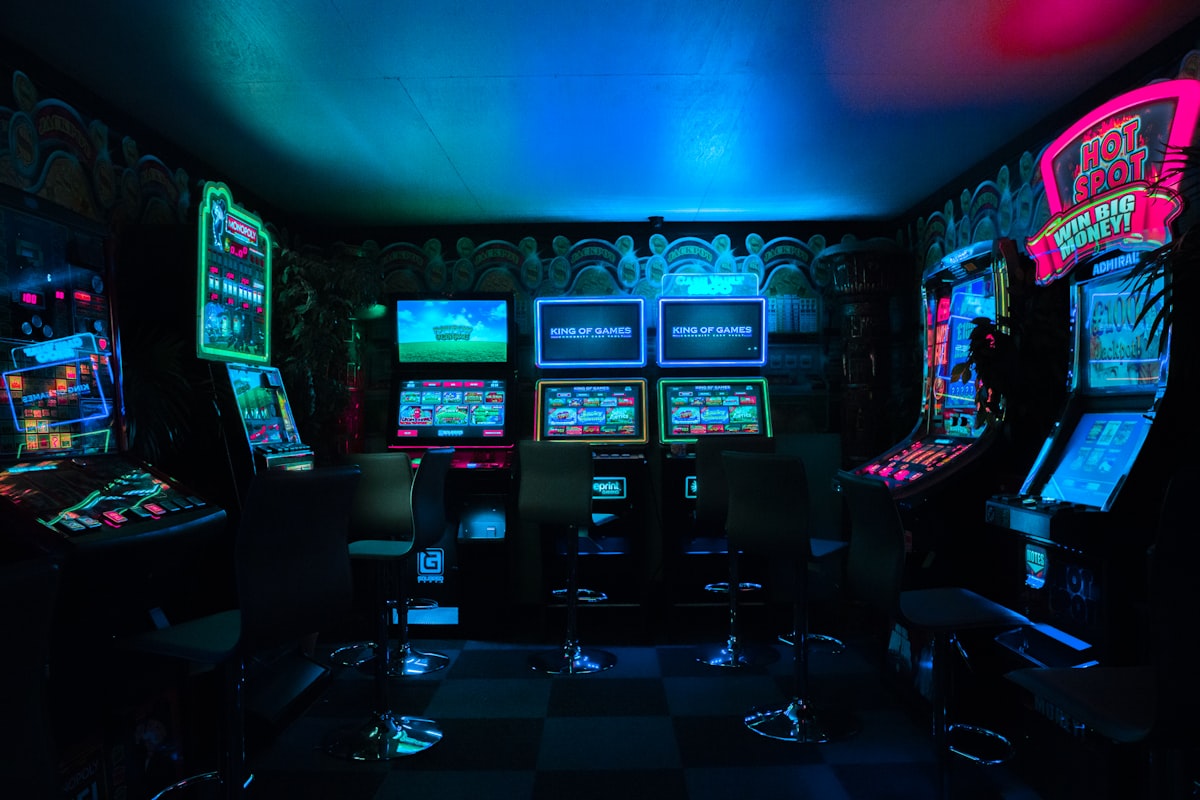
- Old game cabinet photos
- Static images of arcades
Falls flat:
- High-res modern photography (clashes with pixel aesthetic)
- Bright daylight footage
- Talking-head video
- Footage with text overlays already on it
If you don't upload anything, the default pixel-sky fallback is genuinely good and is what most users ship with.
Pacing for High vs Low BPM
The template auto-syncs wipe speed to your lyric line duration. But how the song feels with Pixel Karaoke depends on tempo:
- Under 90 BPM: works for slow J-Pop ballads. The wipe is leisurely and matches sustained vocals.
- 90-130 BPM: ideal range. Mid-tempo pop and hyperpop both look natural.
- 130-160 BPM: high-energy but still readable. Good for K-Pop choruses.
- 160+ BPM: the wipe gets frantic but in a fun way. Hyperpop and breakcore lean into this.
If your song crosses BPM zones (slow verse / fast chorus), the template handles it because timing is per-line, not global.
Pairing It With Other Templates
Pixel Karaoke is high-energy and visually loud. It pairs with:
| Combo | Why |
|---|---|
| Pixel Karaoke + Y2K Chrome | Same era, same aesthetic family. Y2K Chrome for the cover art reveals, Pixel Karaoke for the lyric posts |
| Pixel Karaoke + Brat | Pixel Karaoke for the cute / nostalgic single, Brat for the dirty / loud single |
| Pixel Karaoke + Mixtape | Tape vs cartridge — both lean retro but from different decades |
Don't pair with Home Movie, Notepad, or Country Postcard — the warm vintage of those templates fights the cold-cyan of Pixel Karaoke.
Common Questions
Is Press Start 2P legal to use?
Yes — it's a free Google Font, licensed for commercial use. Bundled with Epitrite, no separate license needed.
Can I export at higher resolution than the pixel aesthetic suggests?
Yes. The template renders at full 1080×1920 or 4K — the pixel look is achieved via font and styling, not actual low-resolution rendering. Your export is sharp.
Will the wipe sync to my song if I haven't run AI transcribe?
Only if you've manually set per-line timing in the editor. Without timing data, the wipe just stays at 0% and never animates. AI transcribe is the fastest way to get timing.
Can I turn off the score popups?
Not as a single toggle in the current version — the popups are part of the template's arcade identity. If you want a cleaner karaoke look without the score, swap to Karaoke Pro, which is a more modern karaoke aesthetic without the game-show feel.
Does it work for Spotify Canvas?
Yes, and it's actually one of the strongest Canvas options. The cyan-yellow palette is high-contrast, the wipe creates motion without big edits, and 8 seconds is enough to read one or two lines.
Takeaway
Pixel Karaoke is the template I reach for when the song wants to feel like it belongs on a CRT in 2001. Run AI transcribe, set your album title in two lines, keep unsung-vs-sung contrast high, and let the wipe do the work. The score popups are doing the heavy lifting on personality.
Try the Pixel Karaoke template free — no upgrade required (free exports carry a small "Made with Epitrite" credit), Press Start 2P bundled.
Stop guessing what to post
Build a practical plan with hooks, captions, on-screen text, recording directions, and editable video projects.
Plan My Content